Optimizing Your Website for AI Crawlers: Robots.txt & JSON-LD
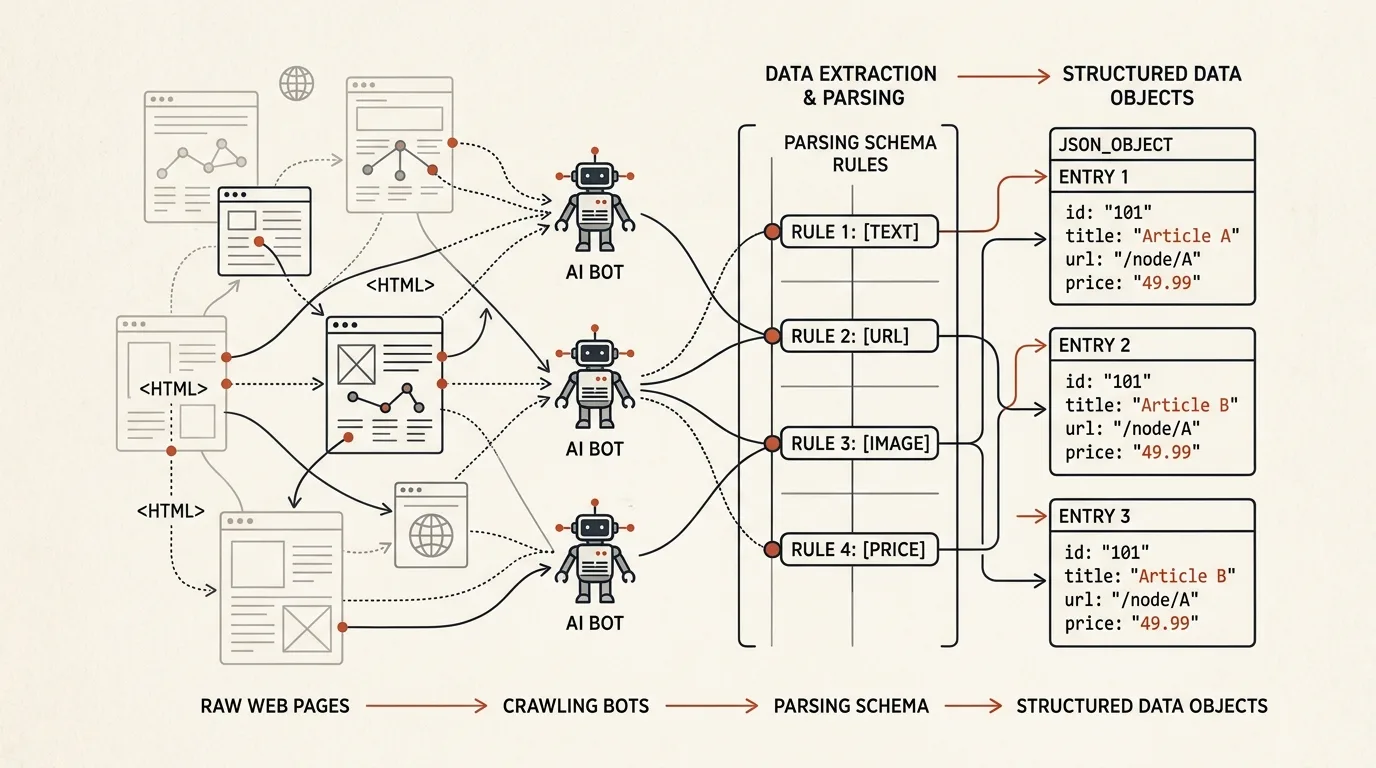
The web scraping landscape has shifted. The scrapers visiting your server are no longer limited to Googlebot, YandexBot, or Bingbot. Today, your server logs are likely dominated by GPTBot (OpenAI), ClaudeBot (Anthropic), PerplexityBot, and OAI-SearchBot (OpenAI’s conversational search engine agent).
As these LLM agents actively search the web to answer live user queries, you must ensure that your technical setup permits them to scrape public information, maps your services accurately, and prevents them from reading private database endpoints.
In this technical guide, we will configure an AI-friendly robots.txt policy, implement nested JSON-LD schemas, and discuss how to bypass hydration/JavaScript crawling issues.
1. Directives: Configuring Robots.txt for AI Crawlers
You should treat AI bots as distinct entities in your crawl configuration. While you want them to index your blog articles and service offerings so they can cite you, you must block them from indexing resources like API endpoints, user checkout routes, or local search configurations.
Here is a secure, production-ready robots.txt configuration:
# Global rules for all standard crawlers
User-agent: *
Allow: /
Disallow: /admin/
Disallow: /api/
Disallow: /checkout/

# OpenAI ChatGPT User Agent (Used to retrieve links for ChatGPT answers)
User-agent: GPTBot
Allow: /
Disallow: /admin/
Disallow: /api/
Disallow: /checkout/
Disallow: /private/

# OpenAI Search Agent (Used for real-time search engine features)
User-agent: OAI-SearchBot
Allow: /
Disallow: /admin/
Disallow: /api/

# Anthropic Claude User Agent
User-agent: ClaudeBot
Allow: /
Disallow: /admin/
Disallow: /api/

# Perplexity Search Agent
User-agent: PerplexityBot
Allow: /
Disallow: /admin/
Disallow: /api/

# Block aggressive, non-citing scrapers (Scrapers that steal data without giving traffic)
User-agent: CCBot
Disallow: /
User-agent: Amazonbot
Disallow: /
2. Implementing Nested JSON-LD Schema Graphs
LLMs do not parse text like human readers; they map concepts and values to semantic entities. If you describe your business in a plain paragraph, an LLM might misinterpret your prices, locations, or provider identities.
By injecting structured JSON-LD (JSON Linked Data) inside your page headers, you tell the crawlers exactly what your business represents.
Here is an advanced nested graph representing an Organization offering a specialized SaaS Development Service:
{
  "@context": "https://schema.org",
  "@graph": [
    {
      "@type": "Organization",
      "@id": "https://alexrel.com/#organization",
      "name": "Alex Rel Development",
      "url": "https://alexrel.com",
      "logo": "https://alexrel.com/logo.png",
      "sameAs": [
        "https://github.com/alexrel",
        "https://linkedin.com/in/alexrel",
        "https://x.com/_alexrel"
      ]
    },
    {
      "@type": "Service",
      "@id": "https://alexrel.com/saas-development#service",
      "name": "B2B SaaS Architecture and Development",
      "description": "Full-cycle SaaS development from database schema isolation to Stripe webhook billing and vector support bots.",
      "provider": {
        "@id": "https://alexrel.com/#organization"
      },
      "areaServed": "Worldwide",
      "offers": {
        "@type": "Offer",
        "priceCurrency": "USD",
        "price": "5000",
        "priceSpecification": {
          "@type": "UnitPriceSpecification",
          "priceType": "https://schema.org/MinimumPrice",
          "price": "5000",
          "priceCurrency": "USD"
        }
      }
    }
  ]
}
3. Resolving Client-Side Rendering (CSR) Issues for AI Bots
Unlike Googlebot, which allocates massive CPU resources to render JavaScript and execute client-side hydration, many AI search scraper agents are lightweight tools that pull raw HTML responses to minimize processing time.
If your web application relies entirely on client-side rendering (e.g., a standard single-page React or Vue app with an empty <div id="app"></div>), AI crawlers might only see a blank page, excluding your brand from their index.
How to solve this in Nuxt 3:
- Enable Server-Side Rendering (SSR): Ensure
ssr: trueis configured in yournuxt.config.ts. - Use Pre-rendering for Static Pages: Configure routes like
/telegram-botsand/saas-developmentto build as static HTML files during deployment:
// nuxt.config.ts
export default defineNuxtConfig({
  routeRules: {
    '/': { prerender: true },
    '/saas-development': { prerender: true },
    '/telegram-bots': { prerender: true },
    '/geo-seo': { prerender: true },
    '/consultations': { prerender: true }
  }
});
Enforcing static rendering ensures that whenever GPTBot or ClaudeBot fetches your pages, they receive full, semantic text structures immediately.
When establishing the indexing architecture for LingvoHabit and TeleGo.io, we deployed these exact pre-rendered configurations and nested schemas. This resulted in immediate citations across major AI search indexes.
Sources and documentation
- OpenAI crawler documentation — current GPTBot and OAI-SearchBot user agents
- Anthropic: how ClaudeBot works — official Claude crawler rules
- Schema.org — the full structured-data vocabulary
- Google: intro to robots.txt — directive syntax and precedence
Structuring your technical SEO layer for AI scraping ensures that your site functions as an open, readable directory for the LLM agents dominating the next generation of web search. To learn how this technical layout integrates with a full AI-first marketing strategy, check out my introduction to Generative Engine Optimization (GEO).
If you need a professional developer to implement structured JSON-LD schemas, configure SSR routes, or audit your robots.txt setup, visit my GEO & SEO Services page or book a Technical Consultation.
Frequently asked questions
Should I allow every AI bot to crawl my site?
No. Separate bots by purpose: search and answer bots (GPTBot, OAI-SearchBot, ClaudeBot, PerplexityBot) are worth allowing — they bring citations and traffic. Pure training crawlers like CCBot can be blocked: they collect data without sending anything back.
Will AI crawlers see the content of my Vue or React SPA?
Not reliably. Some AI bots don't execute JavaScript, so a client-rendered app looks like an empty page to them. The fix is SSR or prerendering: the server must return complete HTML with text and markup.
Which JSON-LD markup matters most for AI search?
A linked @graph with Organization/Person (who you are), Service or Product (what you offer), and WebPage with dateModified. It's critical that the markup matches the visible content exactly — divergence undermines trust in the source.

Author
Alex RelFullstack Engineer
In commercial development since 2011 — over 15 years. Author of two SaaS products, TeleGo.io and LingvoHabit.com. The articles here come out of real client and product work.