How to Build a B2B SaaS MVP in 30 Days Without Technical Debt
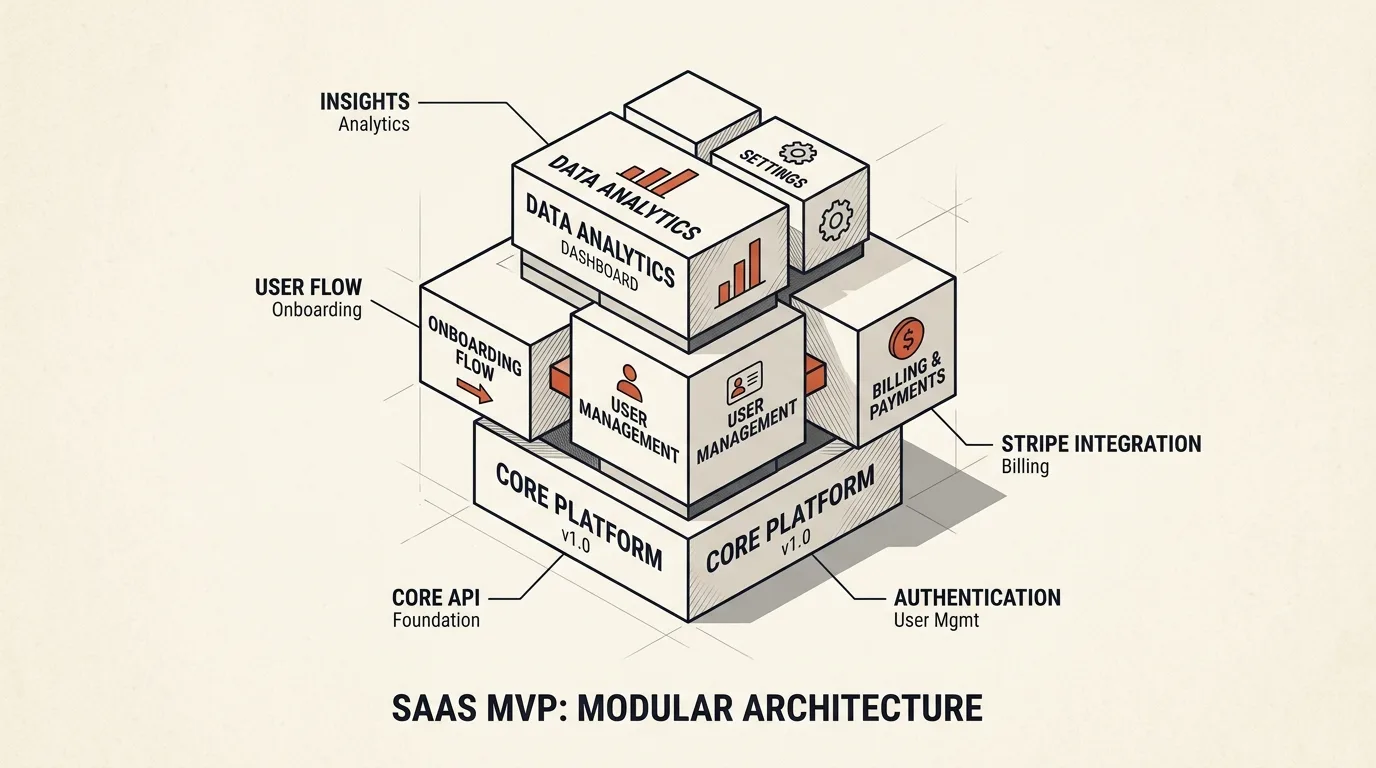
Building a Minimum Viable Product (MVP) for a B2B SaaS is a delicate balancing act. Launch too slowly, and you risk missing the market window, running out of capital, or building features nobody wants. Build too quickly, and you might bury your project in a mountain of technical debt that makes future scaling, refactoring, and feature additions practically impossible.
In my years of developing custom SaaS products (like TeleGo.io and LingvoHabit), I’ve refined a 30-day MVP blueprint. It focuses on maximizing developer velocity and optimizing for AI crawlers (GEO) and search engines (SEO) without sacrificing clean code architecture. Here is a deep dive into building a production-ready, scalable B2B SaaS MVP in 30 days.
The Core Technical Challenge of SaaS MVPs
Most B2B SaaS failures are not due to scaling issues like handling millions of concurrent requests. Instead, they fail because the codebase becomes a tangled "spaghetti" of dependencies where fixing one bug introduces three new ones.
To prevent this, you must choose a tech stack that enforces separation of concerns out of the box while allowing rapid prototyping.
+--------------------------------------------------------+
|                      Nuxt 3 App                        |
|   (Universal SSR Frontend + Optimized SEO Head Meta)  |
+---------------------------+----------------------------+
                            | (HTTP/JSON API)
                            v
+--------------------------------------------------------+
|                Nitro Engine API Routes                 |
|   (Secure Authentication -> Domain Services Logic)    |
+---------------------------+----------------------------+
                            | (Database Query)
                            v
+--------------------------------------------------------+
|           SQLite Database (better-sqlite3)             |
|  (Indexed tables, transaction safety, fast raw I/O)  |
+--------------------------------------------------------+
1. The Lean Tech Stack (Optimized for Speed and SEO)
For a 30-day launch, your stack must offer high developer velocity, out-of-the-box Server-Side Rendering (SSR), and a highly reliable database layer.
For example, when building the LingvoHabit MVP, a multi-tenant language-learning platform, we utilized this exact frontend structure to ensure swift loading times and excellent search engine indexing.
Frontend & SSR: Nuxt 3 (Vue 3, Vite)
Nuxt 3 is the ultimate framework for modern SaaS development. It provides:
- Ready HTML (SSR or SSG): Public pages can be rendered per request or generated ahead of time. Static generation suits content updated at build time; SSR suits pages that depend on current request data. SSR itself is not a prerequisite for indexing or citation.
- Automatic Routing: Simplifies page management.
- Nitro Engine: A fast server engine that lets you write backend API endpoints directly in
/server/apiusing TypeScript.
Database: SQLite via better-sqlite3
Do not waste time setting up complex PostgreSQL clusters, AWS RDS instances, or Kubernetes pods in week one. Use SQLite via the better-sqlite3 library.
- Performance: SQLite runs locally and allows one writer per database file at a time. Throughput depends on queries, indexes, transaction duration and storage; test it against your application’s workload.
- Backups: Use the Online Backup API or VACUUM INTO for a consistent snapshot of a live database. Copying a file without accounting for database state is not a substitute for a correct backup. Verify restoration from the copy.
- Scaling path: Moving to PostgreSQL requires checking types, queries, constraints and data. Even with an ORM, estimate the work after a trial migration and application verification.
2. The Core Features Checklist
A B2B SaaS MVP only needs four functional modules to start onboarding and billing clients:
A. Authentication (Session-based or Passwordless)
Skip complex OAuth flows or custom identity providers. Implement passwordless magic links or standard email/password authentication using HTTP-only cookies to store JWT tokens securely.
B. Subscription Billing (Stripe Integration)
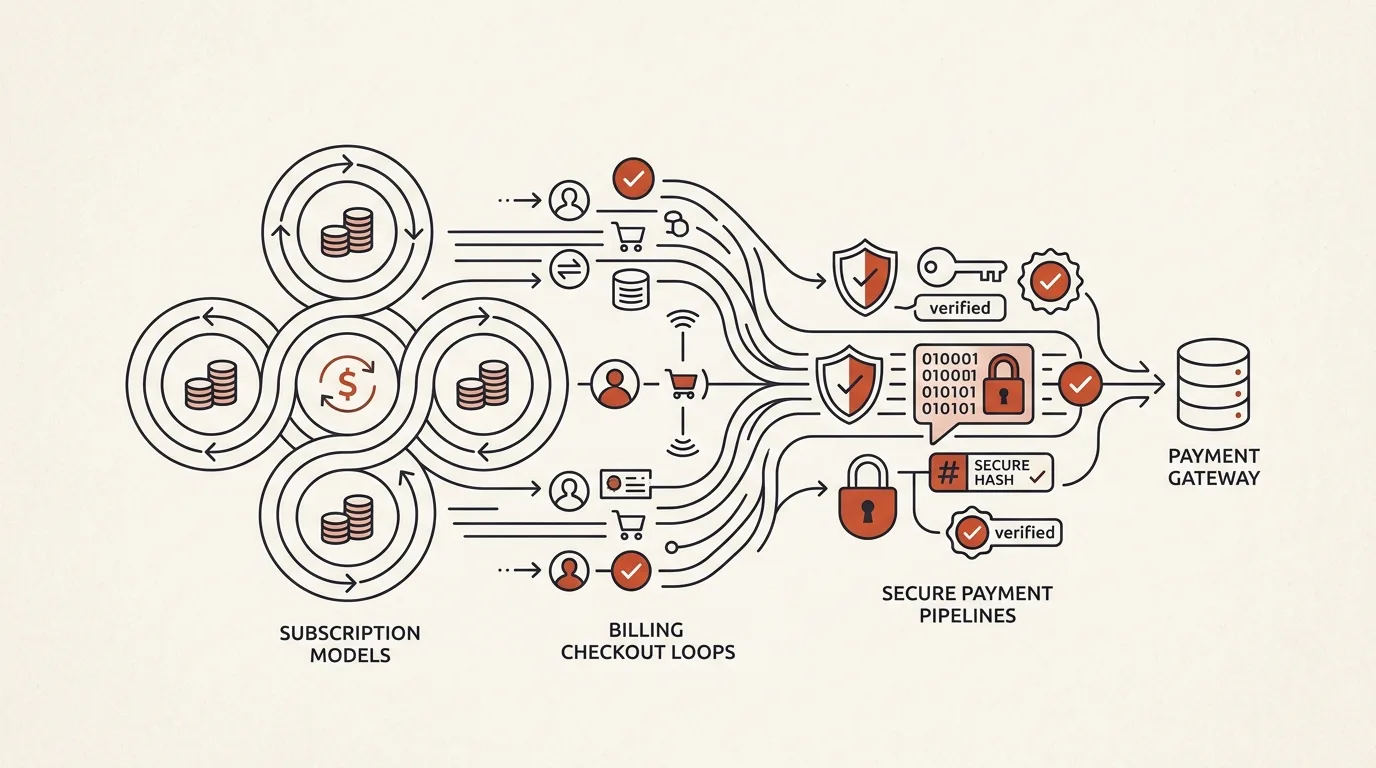
Integrate Stripe Checkout for payment processing and Stripe Customer Portal to let users manage their subscriptions.
For instance, in the TeleGo.io project, we integrated this Stripe flow to handle hundreds of active subscriptions. For a deep technical dive on this, read my guide on Stripe Billing and Subscriptions Integration.
This offloads the UI for card updates, billing history, and cancellations directly to Stripe, saving you at least 5 days of frontend development.
C. The Core Value Loop
This is the unique feature your clients are paying for (e.g., automated report generation, CRM data syncing, or AI text editing). Dedicate 50% of your time here.
D. Admin / Telemetry Dashboard
A minimal interface for you (the founder) to track user signups, active subscriptions, and raw usage metrics.
3. Designing a Scalable Code Architecture (No Spaghetti)
To prevent a rewrite in month three, structure your server-side logic by business domains (modules) rather than technical layers. For example, group all user-related code inside a users domain. If you want to learn how to isolate data per client, check my article on SaaS Multi-Tenant Database Architectures.
server/
├── api/
│   ├── auth/
│   ├── billing/
│   └── projects/
├── database/
│   ├── connection.ts
│   └── schema.sql
└── services/
    ├── auth.service.ts
    ├── stripe.service.ts
    └── project.service.ts
Implementing Code Isolation: Stripe Service Example
Keep your business logic isolated from HTTP request handlers. Here is a professional TypeScript implementation of a Stripe subscription service:
// server/services/stripe.service.ts
import Stripe from 'stripe';

const stripe = new Stripe(process.env.STRIPE_SECRET_KEY!, {
  apiVersion: '2023-10-16',
});

export interface SubscriptionInput {
  email: string;
  priceId: string;
  tenantId: string;
}

export async function createCheckoutSession(input: SubscriptionInput): Promise<string> {
  const session = await stripe.checkout.sessions.create({
    payment_method_types: ['card'],
    line_items: [
      {
        price: input.priceId,
        quantity: 1,
      },
    ],
    mode: 'subscription',
    success_url: `${process.env.APP_URL}/dashboard?billing=success`,
    cancel_url: `${process.env.APP_URL}/dashboard?billing=cancel`,
    customer_email: input.email,
    metadata: {
      tenantId: input.tenantId,
    },
  });

  if (!session.url) {
    throw new Error('Failed to generate Stripe checkout URL.');
  }

  return session.url;
}
4. Launching in 30 Days: The Timeline
- Days 1–7 (Foundation): Schema migrations, basic router layouts, and session authentication using HTTP-only cookies.
- Days 8–18 (Core Value): Build the primary feature (e.g., generating PDFs, scheduling posts) and hook it up to the UI.
- Days 19–24 (Monetization): Integrate Stripe Checkout sessions, configure Stripe webhooks, and map webhook events to database subscription states.
- Days 25–28 (Quality & Hardening): Write unit tests for critical business logic (e.g., checking if user has billing limits) and configure server monitoring.
- Days 29–30 (Deployment & Analytics): Deploy to VPS using Docker, configure SSL, set up Yandex Metrika/Google Analytics, and launch.
Sources and documentation
- Nuxt documentation — SSR, routing, and Nitro server endpoints
- SQLite: Appropriate Uses — official guidance on when SQLite fits production
- Stripe Checkout — the hosted payment flow used in the example above
If you are planning to build a high-performance B2B SaaS MVP and need an experienced senior architect to launch it within weeks, explore my SaaS Development Service or book a Technical Consultation to audit your product architecture.
Frequently asked questions
Can I really run production on SQLite?
Yes, if the architecture and workload fit a local database. Assess write concurrency and transaction duration. WAL lets readers run alongside a writer, but does not make SQLite universally faster than other databases.
When should I migrate to PostgreSQL?
When write concurrency or multi-server requirements exceed the chosen architecture. There is no universal 100 GB threshold. Migration effort depends on the schema, queries, data volume and verification; an ORM can help but does not guarantee a timeline.
How much does an MVP of this scope cost?
In my practice, an MVP with authentication, Stripe billing, and an admin panel costs from $4,000 and takes 4–6 weeks from an approved specification. Half the budget goes into the product core — the feature customers pay for.

Author
Alex RelFullstack Engineer
In commercial development since 2011 — over 15 years. Author of two SaaS products, TeleGo.io and LingvoHabit.com. The articles here come out of real client and product work.