How Cron's Five Fields Outlived Generations of Unix
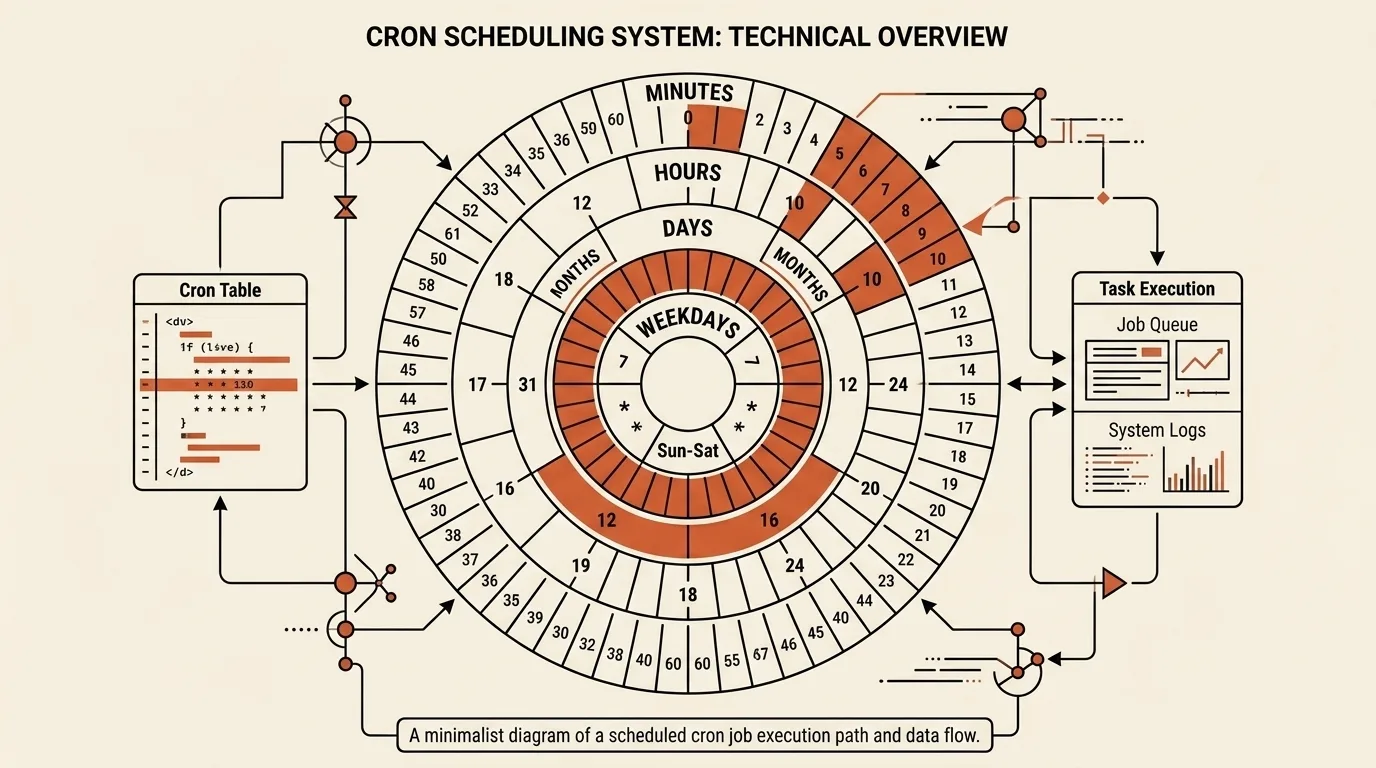
Cron is often described as one old Unix program that has survived unchanged. What actually endured is mostly its language: five calendar fields are still recognizable in Linux, hosting control panels, Kubernetes, and continuous integration systems, even though different programs execute those schedules under different rules.
Cron predates Unix Version 7
Accounts of cron often begin with Unix Version 7 and 1979, but surviving Unix Sixth Edition source code is dated May 1975. That program read /usr/lib/crontab, parsed five time fields, and passed the rest of each matching line to the shell. Asterisks, lists, and ranges were already supported, and the schedule was checked once per minute.
The Unix Version 7 manual documented the interface clearly: minute, hour, day of month, month, day of week, and a string for the shell. The field order survived, although individual ranges and extensions changed over time. V7, for example, numbered weekdays from 1 through 7 with Monday first, while many current implementations use 0 for Sunday and may accept 7 as well.
The historical source does not provide enough evidence to name the author of the first version with confidence. The useful, verifiable conclusion is narrower: cron existed by 1975, and its recognizable interface was documented as part of Unix by 1979.
Vixie cron established an influential open lineage
Paul Vixie began his cron implementation in January 1987. Its project repository explicitly says that it was functionally based on System V, so describing it as a clean-sheet rewrite would be misleading. Per-user schedule tables were not a new invention at that point either.
Vixie cron mattered for a different reason. It was a freely distributed, portable implementation of a compatible interface, bringing together per-user crontabs in protected storage, management commands, allow and deny lists, environment settings, logging, and mail delivery of output. Its format stayed close to V7 while adding compatible features such as steps and names for months and weekdays. The code later became an ancestor of several BSD and Linux cron variants, although the exact feature set still depends on the implementation installed on a particular system.
Five fields describe a calendar match
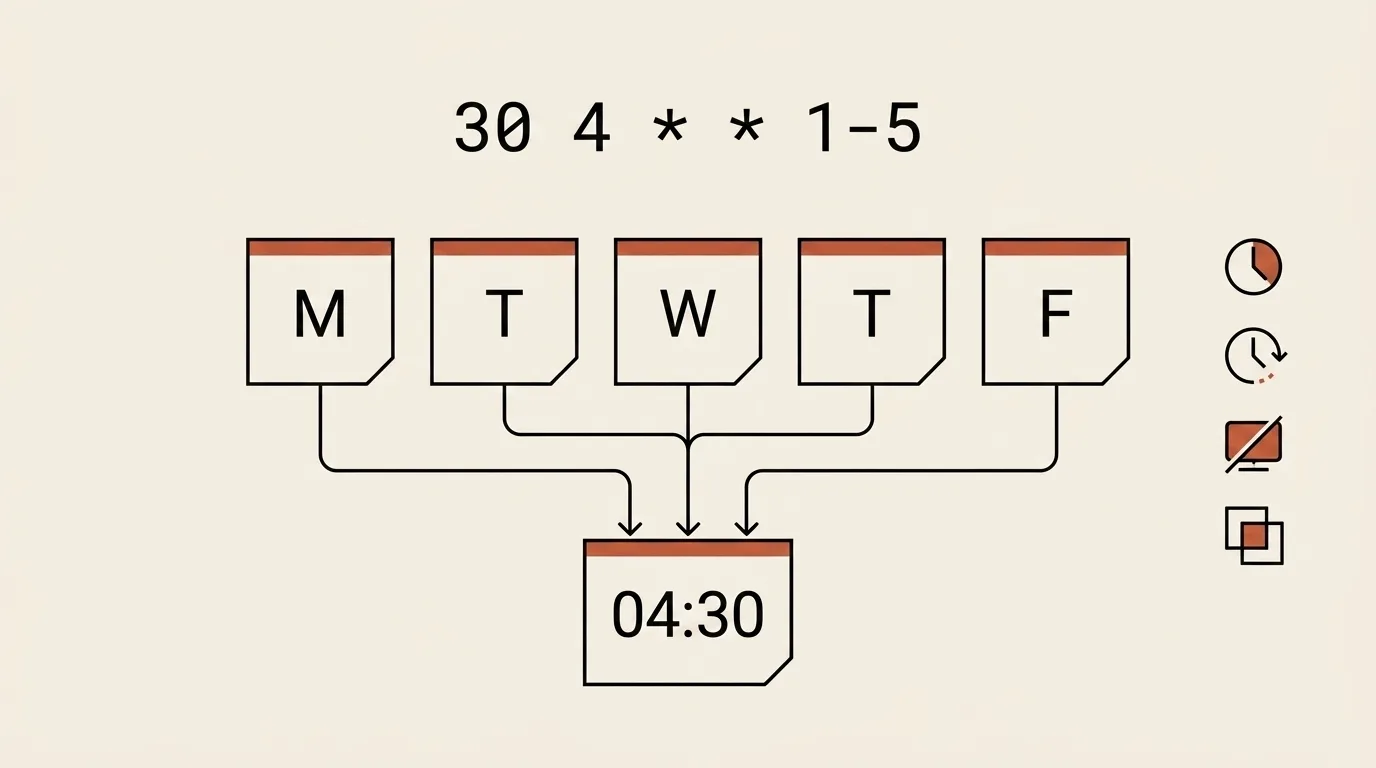
The expression 30 4 * * 1-5 means 04:30 from Monday through Friday. The first field is the minute, the second is the hour, followed by day of month, month, and day of week. An asterisk permits every value in a field, a comma combines values, a hyphen creates a range, and a slash selects every nth value within a field or range.
A step applies only within its field. */15 in the minute position means minutes 0, 15, 30, and 45 of every matching hour, not a fifteen-minute interval measured from the previous execution. The distinction becomes clear after downtime: ordinary cron does not keep a queue of those intervals; it simply asks whether the current calendar minute matches the expression.
There is another rule that regularly causes surprises. In the Vixie cron format, restricting both day of month and day of week produces a run when either field matches. Thus 0 9 1 * 1 does not mean only a Monday that falls on the first. It means every Monday and every first day of the month at 09:00. Other scheduler families can interpret similar-looking input differently.
The expression itself describes only a calendar condition. It does not include the command, working directory, environment, retry policy, concurrency limit, or log destination. Those details belong to the scheduler and its configuration.
A schedule does not define execution conditions
A cron job does not run in the same environment as a command entered in an interactive terminal. It usually receives fewer variables, its PATH may differ, and the user's shell profile is normally not loaded. A script can therefore work by hand and fail on schedule. A reliable job uses a predictable environment, absolute paths where they are genuinely required, and a place to preserve diagnostic output.
Wall-clock time needs an explicit decision too. The time zone may come from the system, the daemon, or the table itself, while daylight-saving changes create skipped and repeated local minutes. Even current cron implementations differ in how they handle clock changes, so there is no universal answer implied by the word “cron.” Check the local manual and decide whether a duplicate execution would be safe.
Traditional cron also does not recover work missed while a computer was off. Periodic jobs on a machine that does not run continuously often use anacron or another stateful scheduler. If execution may last longer than its interval, preventing overlap and making the operation idempotent remain responsibilities of the job or an external locking mechanism.
Kubernetes, CI, and systemd inherited different parts of the idea
A Kubernetes CronJob uses familiar schedule notation, but it creates Job objects rather than invoking a shell command directly. The controller schedules approximately, and under some conditions it may create two Jobs or none, which is why the documentation recommends idempotent workloads. Concurrency policy, the deadline for a late start, and the time zone are configured separately.
GitHub Actions also borrows POSIX-like syntax, but it imposes a minimum interval, runs the workflow from the default branch, and warns that scheduled runs can be delayed or queued jobs dropped during heavy load. The five fields express intent; the hosted service supplies the actual guarantees.
Systemd timers are a separate mechanism, not a newer spelling of cron. A systemd timer activates a related service unit, supports both calendar and monotonic timers, and can recover one missed calendar activation when Persistent=true is enabled. If the related service is already active, another timer event does not restart it automatically. Mechanically converting a cron expression into OnCalendar= therefore does not make the two configurations equivalent.
What Cron Parser does
Cron Parser parses a five-field expression locally in the browser. You can fill the fields separately or paste the complete expression into any one of them. It understands numbers, asterisks, lists, ranges, steps, and English names for months and weekdays. Sunday value 7 is normalized to 0, while a question mark in the day-of-month or day-of-week field is treated as an asterisk. The latter is an extension and is not portable to every scheduler.
After parsing, the tool explains each field, visualizes the matching hours and minutes for an eligible calendar day, and calculates up to ten upcoming occurrences in the browser's local time or UTC. The search window is finite, so a rare annual schedule can sometimes produce fewer than ten dates. Preset buttons expand common macros into their five-field equivalents, but raw input such as @daily or @weekly is not accepted as an expression.
The systemd timer generator is only a starting template for simple schedules. It creates timer sections but not the service unit or command, and complex constraints involving days, months, lists, and ranges cannot always be translated faithfully. Its added Persistent=true also changes behavior after downtime. Review and complete the result manually before using it.
Cron Parser installs and runs nothing. The data stays in the browser, and the resulting schedule still needs to be checked against the target system's documentation.
Related tools


Frequently asked questions
When was cron created, and who wrote it?
Cron source code already appears in the 1975 Unix Sixth Edition. The surviving source does not identify an author, so attributing the first version to a particular person would require additional evidence. Unix Version 7, released in 1979, documented an interface that already looks much like modern cron.
What did Vixie cron change?
Vixie cron began in 1987 as a freely distributed, portable implementation functionally based on System V. It did not reinvent cron from scratch, but it established an influential line of development with per-user crontabs, access controls, environment settings, and compatible extensions. Several BSD and Linux variants descend from that code.
What do the five cron fields mean?
The fields specify minute, hour, day of month, month, and day of week. A command normally follows them in a user crontab, while a system crontab may place a user name between the schedule and command. In the Vixie family, restricted day-of-month and day-of-week fields are combined with OR semantics.
What happens during daylight-saving changes or server downtime?
The answer depends on the implementation. Traditional cron checks the calendar once per minute and generally does not recover runs missed while the system was down. Clock-change behavior also varies, so it must be checked in the documentation for the installed cron. Anacron, systemd timers, and the Kubernetes CronJob controller each handle missed runs differently.
Does Cron Parser validate a schedule for every platform?
No. It parses a common five-field form and previews the schedule, but Cronie, Quartz, Kubernetes, GitHub Actions, and other systems have their own extensions and limits. Check the target platform's documentation, especially when using a question mark, macros, time zones, or the systemd timer output.

Author
Alex RelFullstack Engineer
In commercial development since 2011 — over 15 years. Author of two SaaS products, TeleGo.io and LingvoHabit.com. The articles here come out of real client and product work.