Why Developers Still Fight About Code Formatting
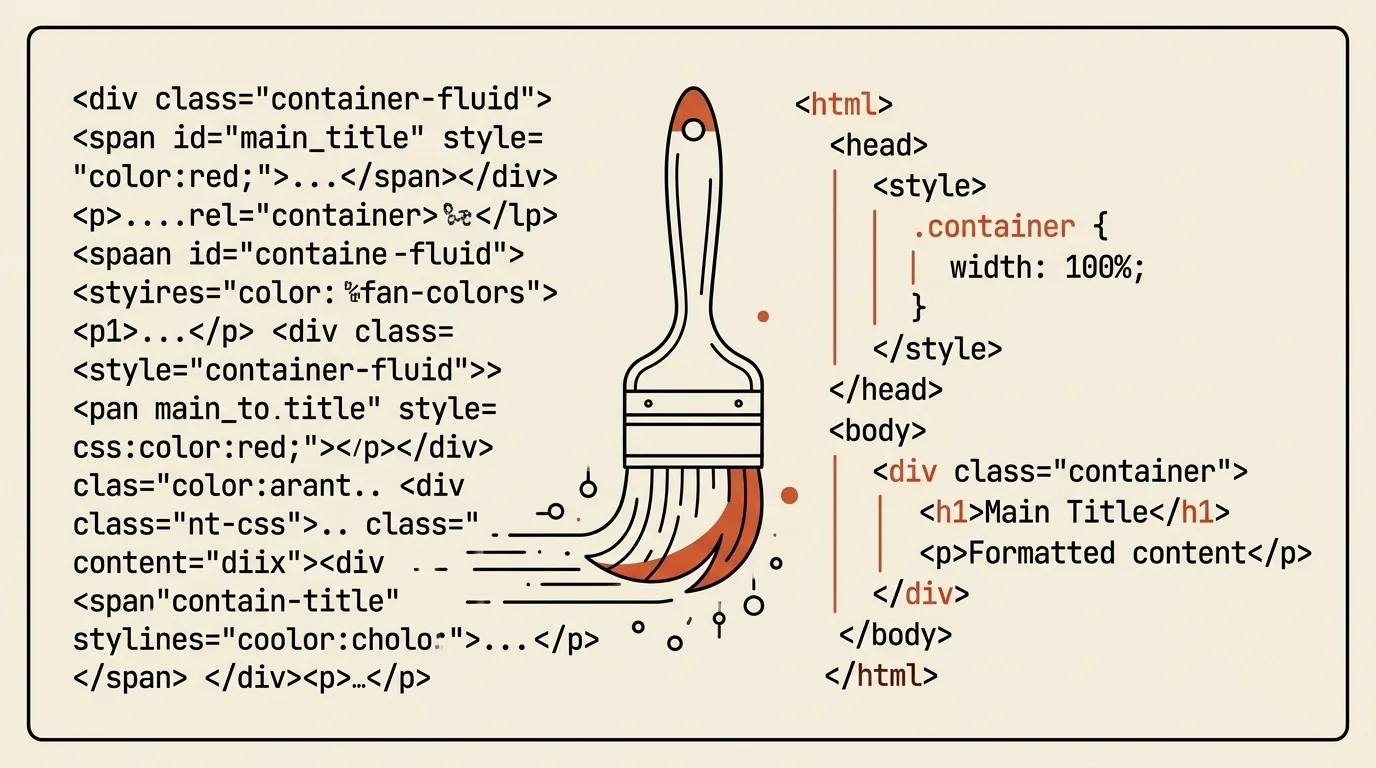
Arguments about indentation seem like a joke — until you work on a team where everyone formats code differently. Suddenly a ten-line commit turns into 200 changes, half of which are just tabs replaced with spaces.
From typewriters to style guides
In the typewriter era, indentation was physical: you moved the carriage. Nobody argued about tabs vs spaces — there was only one way.
In 1978, "The C Programming Language" (Kernighan & Ritchie) was published. The code style used in the book — opening brace on the same line — became known as K&R style and remains the most popular in C-like languages.
In the 1980s, Eric Allman — author of sendmail and syslog — used an alternative style: the opening brace on its own line. This became known as Allman style or BSD style.
Style guides helped teams agree on conventions. For example, PEP 8 for Python was created on 5 July 2001. Written rules alone do not make code consistent; formatting and checking tools are needed to apply them.
Prettier: the end of the era (2017)
In January 2017, James Long — frustrated that no editor could properly indent his JSX — released Prettier, a formatter with almost no configuration. Its philosophy: "we decide what pretty code looks like, you stop wasting time arguing." Within weeks, Facebook engineer Christopher "vjeux" Chedeau (later a co-creator of React Native) reached out, and the two spent the following months turning Long's proof of concept into the tool that shipped as Prettier 1.0 later that year.
It worked. Prettier became a JavaScript ecosystem standard within years, then spread to TypeScript, CSS, HTML, JSON, Markdown, YAML, and dozens of other languages. Today Prettier is built into nearly every project through pre-commit hooks and CI.
What our Beautifier does
HTML/CSS Beautifier is a lightweight markup formatter with no setup or config:
- Auto-detect — HTML or CSS
- Format / Minify — expand to readable code or compress to one line
- Indent options — 2 spaces, 4 spaces, tab
- Safety —
<pre>,<code>,<textarea>content is preserved - Size comparison — original vs formatted
Quick start: open the tool → paste minified HTML → the tool auto-detects it as HTML → click Format — each tag on its own line → switch indent to 4 spaces — everything reflows → click Minify — back to one line.
Related tools


Frequently asked questions
What is K&R style?
K&R (Kernighan & Ritchie) is a code style named after Brian Kernighan and Dennis Ritchie, authors of 'The C Programming Language' (1978). The opening brace is on the same line as the control statement. It is the most common style in C, C++, C#, Java, and JavaScript.
What is Allman style?
Allman style (also BSD style) is named after Eric Allman, author of sendmail and syslog. The opening brace is on its own line at the same indent level as the closing brace. Popular in C#, C++, and among readability advocates.
What is Prettier and why does it matter?
Prettier is an opinionated code formatter released by James Long in January 2017, with Facebook engineer Christopher 'vjeux' Chedeau joining shortly after to help fund further development and drive adoption. It's called 'opinionated' because it has almost no configuration — it enforces a single style. Prettier's main achievement: it eliminated formatting debates in teams. Code is formatted automatically, style arguments become meaningless.
Tabs or spaces — which is better?
Technically tabs are better for accessibility (each developer can set their own indent width), spaces are more consistent (look the same everywhere). In practice, most teams pick spaces (usually 2 for web, 4 for everything else). Prettier itself defaults to spaces with a 2-space indent (useTabs: false), though it can be configured to use tabs.

Author
Alex RelFullstack Engineer
In commercial development since 2011 — over 15 years. Author of two SaaS products, TeleGo.io and LingvoHabit.com. The articles here come out of real client and product work.